Baby Monitor Matchmaker
Answer these questions to find out which type of baby monitor fits your lifestyle best.
You’re standing in the kitchen, stirring pasta, and you hear that familiar cry from the nursery. In the old days, you’d run upstairs to check if your toddler dropped their pacifier or just decided to practice their opera skills. Today, you might glance at your smartphone screen instead. But can a simple app really replace the dedicated hardware sitting on your dresser? The short answer is yes, but with some serious caveats.
Using an app as a software solution that turns a mobile device into a remote viewing and listening tool for infant care has become incredibly popular. It saves money, uses gear you already own, and offers features traditional monitors lack. However, it’s not always the most reliable option for every family. Let’s break down exactly how these apps work, when they shine, and when you should probably stick to a classic monitor.
How Smartphone Baby Monitor Apps Actually Work
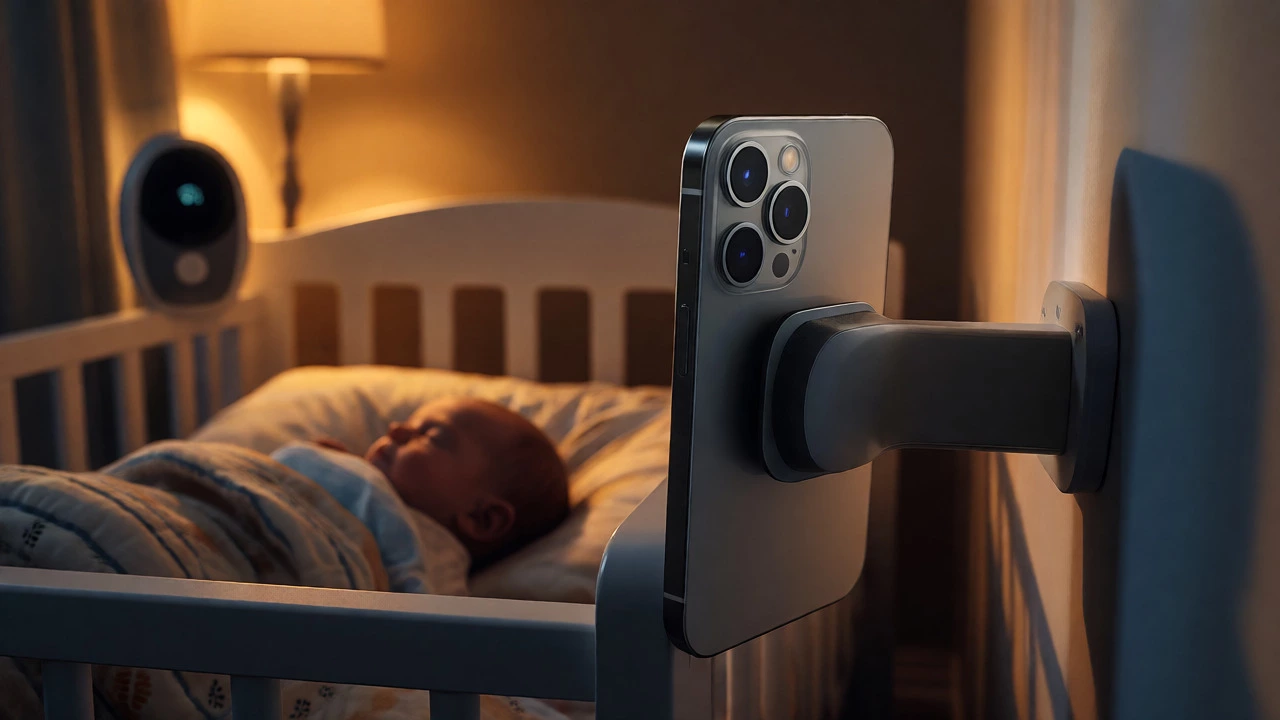
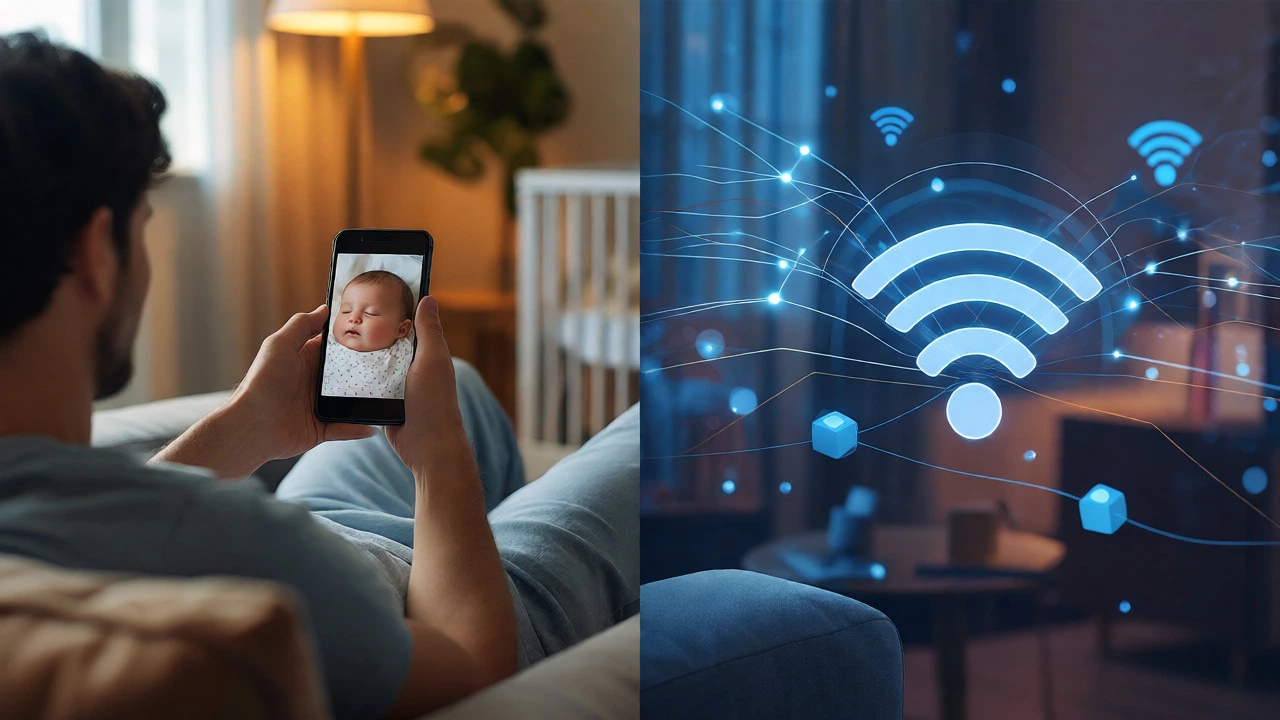
The technology behind these apps is surprisingly straightforward. Most rely on your home’s existing Wi-Fi network rather than a direct radio frequency link between two units. One device (usually an older phone or tablet) sits in the nursery with its camera pointed at the crib. This device acts as the transmitter. Your current phone, which you carry around the house, acts as the receiver.
When the baby makes a noise, the transmitter sends audio and video data over your local network to your receiver. Some advanced apps even use cloud servers, allowing you to check in from anywhere with internet access. This means you could technically watch your sleeping infant while waiting for coffee at a cafe across town, provided both devices are online.
The key requirement here is stability. Because these systems depend on your router, any glitch in your Wi-Fi signal creates lag or drops the connection entirely. Unlike dedicated monitors that use closed-loop radio frequencies, apps are subject to the same bandwidth congestion as your Netflix streaming or Zoom calls.
The Major Benefits of Going App-Based
Why would anyone switch from a purpose-built gadget to a software interface? For starters, cost. If you have an old iPhone or Android device gathering dust in a drawer, you already own half of a high-definition video monitor system. You don’t need to buy a new parent unit or camera; you just download the software.
Secondly, flexibility is huge. Traditional monitors often lock you into a specific range, usually around 50 to 100 feet indoors. An app-based system connected via Wi-Fi has no such physical limit within your home. As long as the signal reaches, you can be in the basement or the backyard shed. Furthermore, many apps offer superior image quality. Modern smartphone cameras capture 1080p or even 4K video, far outstripping the grainy standard definition feeds found on budget traditional monitors.
Many parents also appreciate the multi-device capability. You can share access with a partner, grandparent, or nanny without buying additional receivers. Everyone just logs into the same account on their own phone. This collaborative approach reduces the burden on one person being glued to a single handheld screen.
Where Apps Fall Short: Reliability and Battery Life
It’s not all sunshine and high-resolution streams. The biggest complaint users report is reliability. Have you ever tried to make a FaceTime call during peak evening hours when everyone in the neighborhood is streaming? Your baby monitor app will suffer similarly. Latency-the delay between what happens in the room and what you see on your screen-can range from half a second to several seconds. While this seems minor, it matters when you’re trying to catch the exact moment a newborn starts to wake up.
Battery life is another critical factor. Streaming video consumes significant power. If you forget to plug in the nursery device, it will die in a few hours, leaving you blind. Traditional monitors are designed for low-power operation and can often run all night on a single charge. With an app, you must treat the nursery device like a plugged-in appliance, not a portable gadget.
Then there’s the issue of interruptions. If you’re using your main phone as the receiver, incoming calls, texts, or notifications can obscure the video feed. Imagine getting a work email pop-up right when your baby starts fussing. You miss the visual cue because your screen is covered by a banner. Dedicated monitors don’t interrupt you with social media updates.
Security Risks You Can’t Ignore
Any device connected to the internet carries security risks, and baby monitors are no exception. In recent years, we’ve seen headlines about hackers accessing unsecured baby cams. When you use an app, you’re relying on the developer’s encryption standards and your own password hygiene.
A dedicated monitor with a closed-loop system is generally harder to hack because it doesn’t connect to the open internet unless you specifically enable that feature. Apps, by design, live on the web. To mitigate risk, always change default passwords immediately. Enable two-factor authentication if the app supports it. And critically, ensure your home Wi-Fi network itself is secure with WPA3 encryption. A weak home network compromises every smart device in your house, not just the monitor.
Top Contenders: What Makes a Good Baby Monitor App?
Not all apps are created equal. When choosing one, look for specific features that enhance usability and safety. Here is a comparison of key attributes you should evaluate before downloading.
| Feature | Why It Matters | What to Look For |
|---|---|---|
| Audio Sensitivity | Detects subtle sounds like breathing or small whimpers. | Adjustable sensitivity levels to avoid false alarms from household noise. |
| Night Vision | Allows clear viewing in total darkness. | Infrared LEDs that do not emit visible red light (which disturbs sleep). |
| Cry Detection | Sends alerts only when the baby cries, not for background noise. | AI-driven recognition that distinguishes crying from traffic or TV. |
| Two-Way Talk | Lets you soothe the baby remotely. | Low-latency microphone with echo cancellation. |
| Privacy Controls | Prevents unauthorized access. | End-to-end encryption and local storage options. |
Apps like Hubble or Nanit (if used with compatible hardware) integrate well, but pure software solutions like AlfredCamera or Dormi offer different trade-offs. Dormi, for instance, focuses heavily on AI analysis of sleep patterns, while Alfred is simpler and free to start. Choose based on whether you want deep analytics or just a basic video feed.
Practical Setup Tips for Success
If you decide to go the app route, proper setup is non-negotiable. First, place the transmitter device securely. Use a wall mount or a sturdy shelf well out of reach of curious hands. Ensure the camera angle captures the entire crib mattress so you can see if the baby rolls off the edge or gets tangled in blankets.
Next, manage your Wi-Fi. If possible, create a separate guest network for IoT devices, including your baby monitor. This isolates the monitor from your main computing devices, reducing bandwidth competition. Also, disable automatic updates for the app during nighttime hours to prevent unexpected restarts.
Finally, test the alert volume. Make sure your phone vibrates loudly enough to wake you if you’re a light sleeper, but consider using a smartwatch integration if available. Watching a screen all night causes eye strain; feeling a vibration on your wrist is often more practical for overnight checks.
When to Stick with Traditional Monitors
Despite the allure of apps, dedicated hardware still wins in certain scenarios. If you live in an area with spotty internet connectivity, a radio-frequency monitor is safer. It works even if your broadband provider goes down. Similarly, if you travel frequently and stay in hotels with poor Wi-Fi, carrying a standalone monitor ensures consistency.
Parents who value simplicity over features may also prefer traditional units. There’s no login process, no software updates to manage, and no risk of accidentally closing the app. For many, the peace of mind comes from knowing the system is offline and private by default.
Do baby monitor apps drain my battery quickly?
Yes, continuous video streaming is power-intensive. Expect the device acting as the camera to lose battery rapidly if unplugged. Always keep the nursery device connected to a charger. The parent device (your phone) will also drain faster than normal usage, so keep a portable charger handy if you plan to move around the house extensively.
Is it safe to use an old phone as a baby monitor?
Generally, yes, but take precautions. Remove the SIM card to prevent accidental calls. Disable background apps to reduce heat generation. Place the phone away from flammable bedding, as charging phones can sometimes get warm. Ensure the phone case does not block the microphone or camera lens.
Can I view my baby monitor from outside my home?
Most modern apps support remote viewing via cloud services. This allows you to check in from anywhere with an internet connection. However, this feature often requires a paid subscription. Additionally, remote viewing depends on upload speeds at your home, so performance may vary compared to local Wi-Fi viewing.
What happens if my Wi-Fi goes out?
If your Wi-Fi fails, most app-based monitors stop working locally unless they have a fallback Bluetooth mode. Unlike traditional RF monitors that operate independently of the internet, app monitors rely on your router. Consider keeping a backup traditional monitor or a white noise machine with built-in monitoring capabilities as a fail-safe.
Are baby monitor apps secure against hacking?
Reputable apps use end-to-end encryption, making them quite secure. However, security ultimately depends on your habits. Use strong, unique passwords for both the app and your Wi-Fi network. Avoid using public Wi-Fi for initial setup if possible, and regularly update the app to patch any known vulnerabilities.