Baby Monitor Retirement Readiness Checker
1. Child's Age & Status
2. Developmental Milestones
Check all that apply:
3. Parental Sleep Impact
Be honest about how the monitor affects YOU:
4. Living Situation
Readiness Assessment
Score: 0/10Suggested Next Steps:
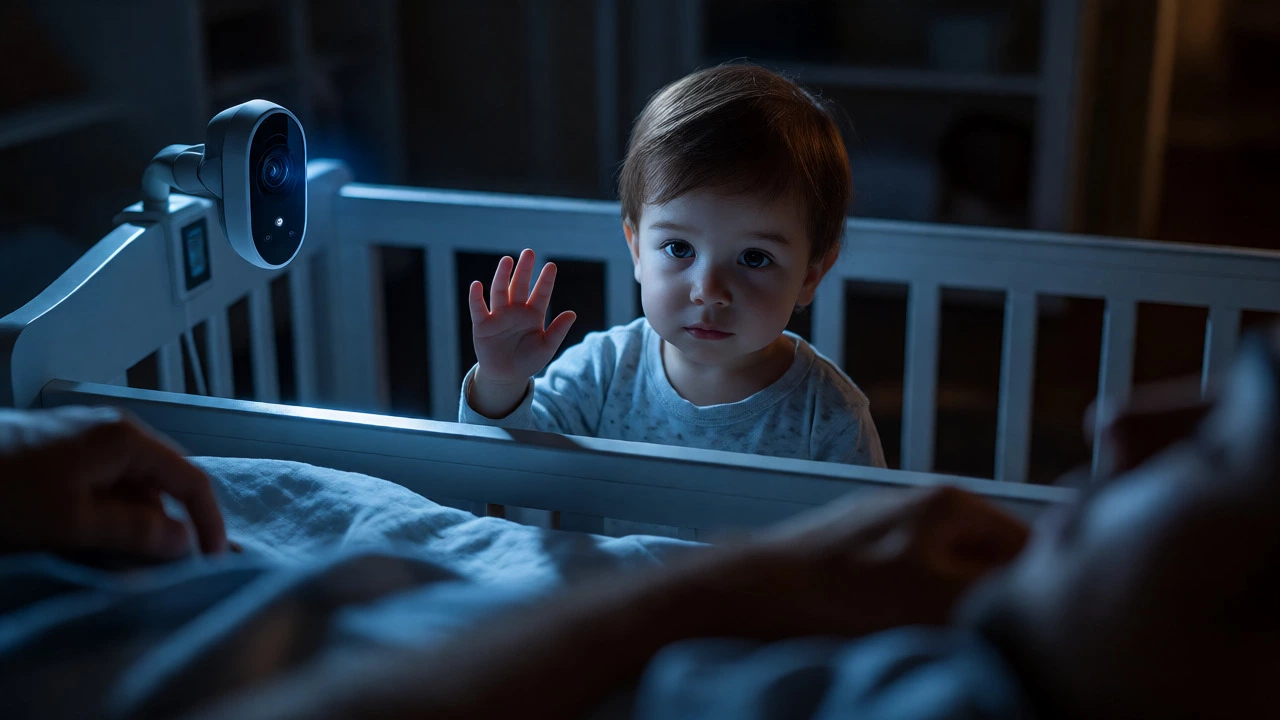
You stare at the glowing screen of your baby monitor, watching your two-year-old stand up in their crib, look directly into the camera lens, and wave. Do you still need this? The short answer is: probably not for safety anymore, but maybe for sanity. Most parents cling to monitors long past the point of necessity because anxiety doesn’t have an expiration date. But keeping them too long can actually hinder your child’s independence and disrupt your own sleep quality.
The General Rule of Thumb: Around Age 3
There isn’t a hard legal or medical law that says "pull the plug on day 1,095," but pediatric sleep experts generally agree that the critical window for SIDS (Sudden Infant Death Syndrome) monitoring closes around 12 months. After that, the monitor shifts from a life-saving device to a convenience tool. By age three, most children are developmentally capable of self-soothing and communicating their needs verbally. If your child is sleeping through the night and climbing out of the crib safely, the monitor has done its job. Keeping it running often just creates noise pollution-both literal (static, beeps) and mental (the urge to check the screen every time they shift).
Signs Your Child Is Ready to Lose the Monitor
How do you know if you’re ready to pull the trigger? Look for these concrete behavioral cues rather than just counting birthdays:
- Vocal Communication: Can your child yell "Mom" or "Dad" clearly when they wake up? If yes, you don’t need audio amplification; you just need open ears.
- Crib Independence: Have they transitioned to a toddler bed? Monitors were originally designed to watch infants trapped in cribs who couldn’t move freely. A mobile toddler in a low bed is less likely to get stuck in dangerous positions.
- Sleep Consistency: If they’ve been sleeping 6-8 hours straight without waking for water or comfort, the monitor is mostly broadcasting silence.
- Your Own Sleep Quality: Are you waking up because the monitor picked up a rustle of sheets, even though your child went back to sleep instantly? If the tech is causing parental insomnia, it’s counterproductive.
The Risks of Keeping It Too Long
It feels harmless to keep the video feed on, right? Wrong. Psychologists note that constant surveillance can create a feedback loop of dependency. When a toddler knows they are being watched, they may perform for the camera or rely on visual confirmation of your presence rather than internalizing the feeling of security. Furthermore, blue light from the monitor display in your bedroom can suppress melatonin production in adults, making it harder for you to fall back asleep after a middle-of-the-night check. You might also find yourself intervening prematurely-rushing in to fix a blanket before the child had a chance to adjust it themselves, which interrupts their learning curve for self-regulation.
Transition Strategies: How to Let Go Without Panic
You don’t have to rip the cord out cold turkey. Try these gradual steps to ease both you and your child into monitor-free nights:
- The Audio-Only Phase: Turn off the video feed for one week. Listen only. This helps you distinguish between actual distress signals (crying) and normal sleep noises (grunting, shifting). You’ll realize how much "noise" is actually benign.
- The Timer Method: Set the monitor to turn off automatically after 4 hours. Most deep sleep issues happen early in the night. If they survive the first half without needing intervention, you can trust them for the rest.
- The Door Crack Protocol: Leave the monitor on but place it in the hallway instead of the room. This reduces the sense of surveillance while keeping the audio link alive.
- The Weekend Test: Pick a Saturday night. Turn the monitor off completely. Keep your phone nearby with a baby app as a backup if you panic, but try to sleep without actively watching. Did disaster strike? Probably not.
Special Circumstances: When to Keep It Longer
Not every family fits the standard timeline. You should consider extending monitor use beyond age three if specific conditions apply:
| Factor | Reason to Keep Monitor | Recommended Action |
|---|---|---|
| Medical History | Premature birth, respiratory issues, or history of apnea | Consult pediatrician; keep until doctor clears |
| Separate Bedrooms | Nursery is far from master bedroom (e.g., different floor) | Keep audio monitor until child is 4-5 |
| Multiple Children | Newborn sibling present; risk of older sibling disturbing infant | Use video to ensure safe interactions |
| Anxiety Levels | Parent experiences high separation anxiety | Gradual weaning; prioritize parent mental health |
What to Do With the Old Monitor?
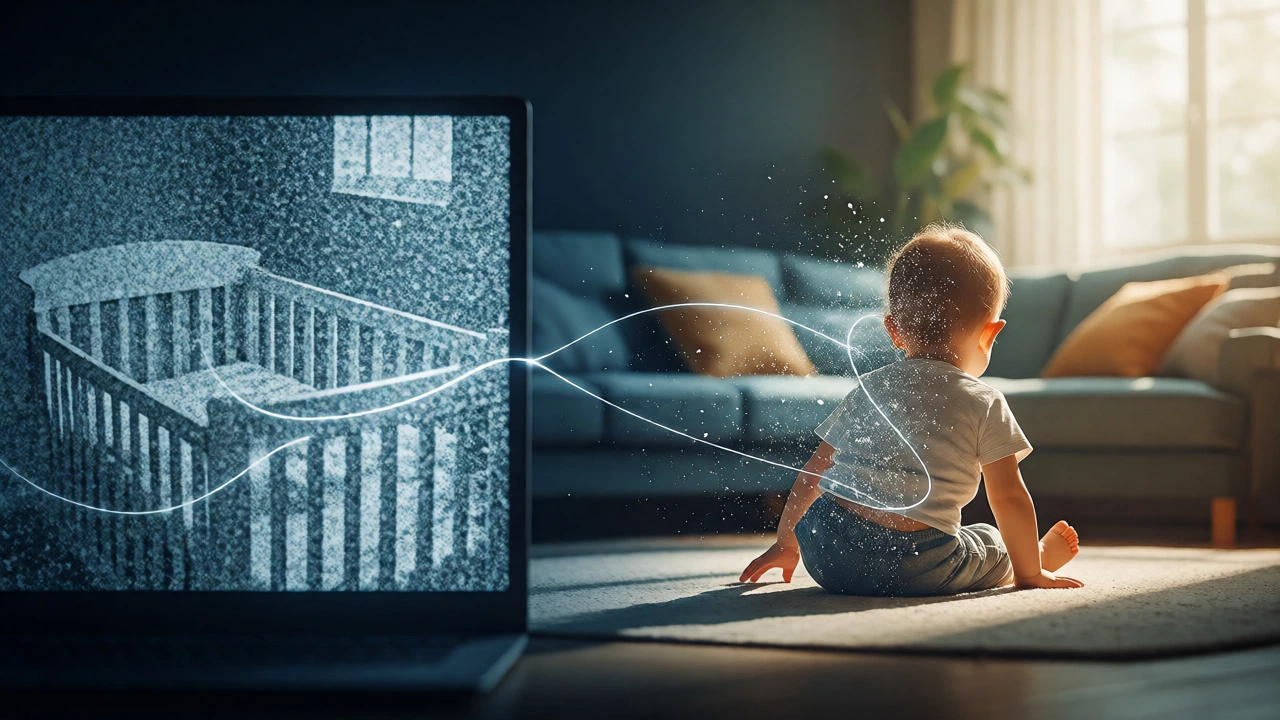
Once you decide to retire the device, don’t just toss it in the closet where it gathers dust. Many modern smart monitors double as security cameras. Repurpose the unit to watch over pets, monitor the front door, or keep an eye on younger siblings playing in the living room. If it’s a basic audio-only model, consider donating it to local shelters or new-parent programs. Some brands offer trade-in programs for newer models, so check if your current device holds any residual value.
Common Myths About Monitor Removal
Myth 1: "They’ll never learn to sleep alone if I take it away." False. In fact, removing the external 'eye' encourages internal self-monitoring. Kids learn to assess their own environment and comfort levels without relying on a technological crutch.
Myth 2: "I’ll miss a medical emergency." Unlikely. By age three, serious nocturnal events usually produce loud enough sounds to be heard through walls. If you live in a thick-walled home, a simple white noise machine in your room can help mask minor disturbances while allowing significant cries to penetrate.
Is it safe to stop using a baby monitor at age 2?
Yes, for most healthy toddlers. The primary risk period for SIDS ends at 12 months. At age 2, children are mobile and vocal. Unless there are specific medical concerns like seizure disorders or severe sleep apnea diagnosed by a doctor, a monitor is no longer a safety requirement but a convenience preference.
Will my child cry more if I turn off the monitor?
Initially, perhaps, due to routine change. However, studies suggest that excessive checking based on monitor alerts often triggers waking. If you stop reacting to every tiny sound amplified by the speaker, your child may actually sleep more continuously because they aren't being interrupted by your premature interventions.
Can I reuse my baby monitor as a security camera?
Absolutely. Many Wi-Fi-enabled baby monitors function identically to indoor security cameras. They offer motion detection, night vision, and two-way audio. Just ensure the privacy settings are robust, as some older models may lack end-to-end encryption found in dedicated security systems.
What if I have multiple children sharing a room?
Keep the monitor if the age gap is small (under 2 years). Older siblings can accidentally smother or disturb infants during rough play or rolling over. Once the younger child is over 18 months and the older child understands boundaries, you can typically phase out the monitor.
Does turning off the monitor affect my sleep?
Paradoxically, turning it off often improves parental sleep. Constant vigilance creates hyper-arousal. Without the glowing screen and the potential for false alarms from static or minor movements, parents tend to enter deeper sleep cycles. Trust your hearing and your child’s growing ability to communicate.